PXLSketch for Playdate
A downloadable app
PXLSketch
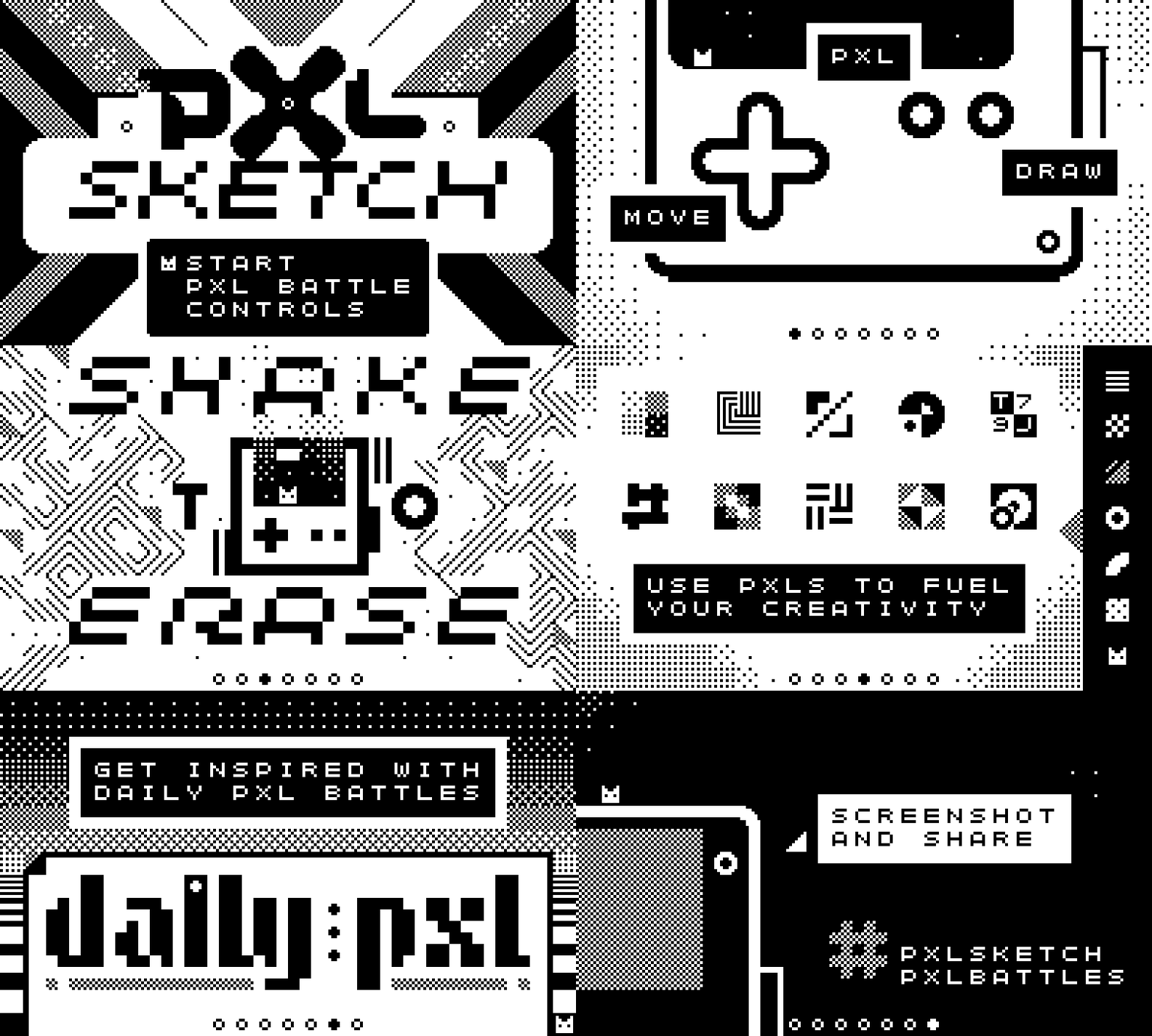
PXLSketch is the ultimate pixelart creative tool for Playdate!
ALSO ON PLAYDATE CATALOG
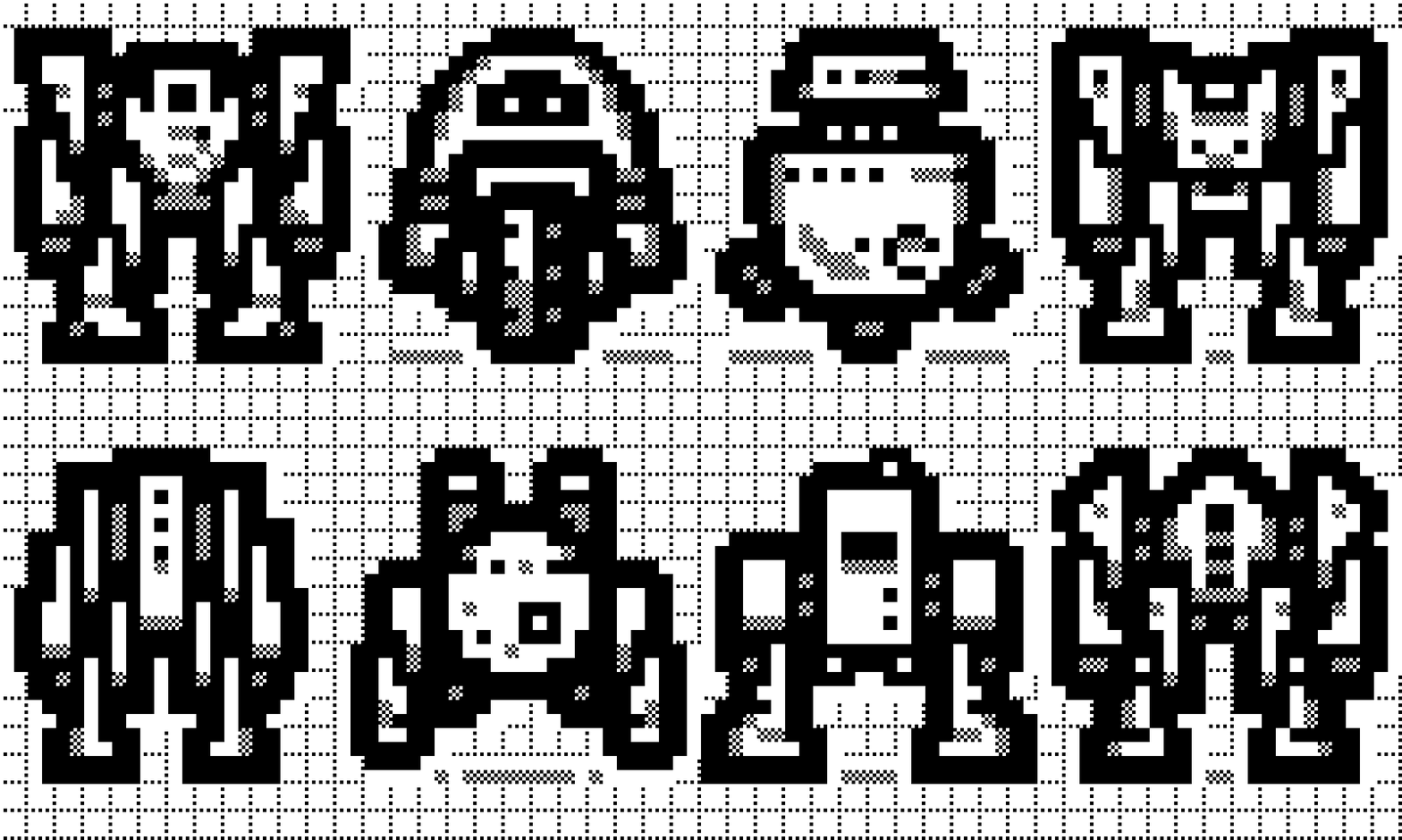
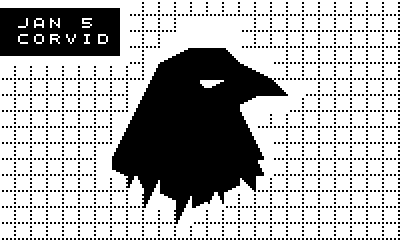
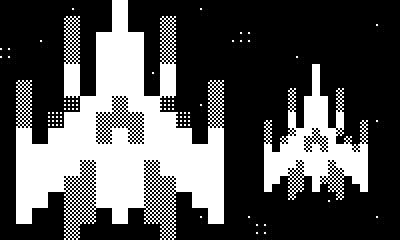
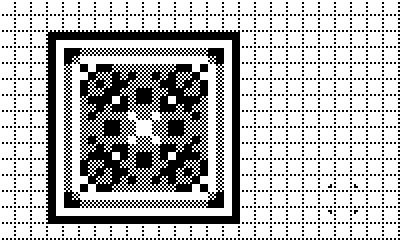
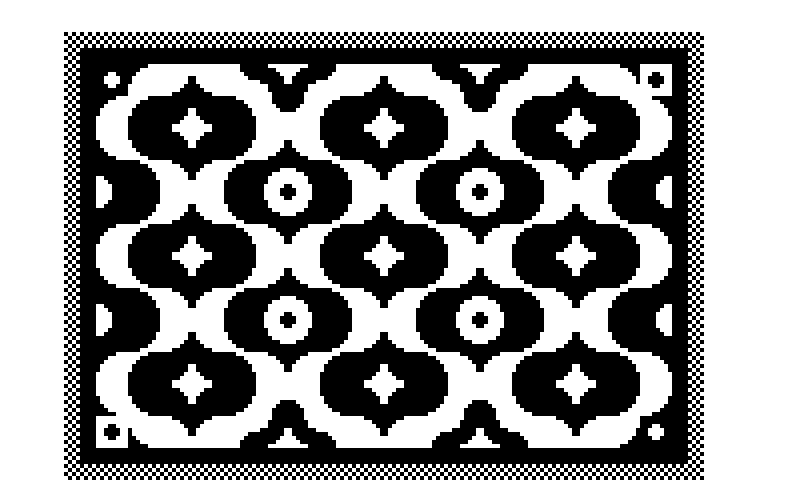
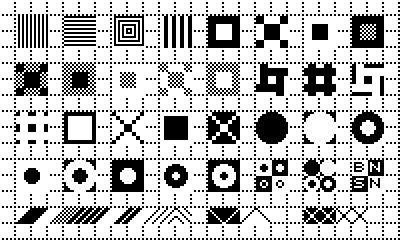
This entirely new Playdate experience brings your imagination out to play with creative tools to imagine, draw, and animate. With 375 PXLs of various shapes and patterns, this is next-level pixelart in your pocket.
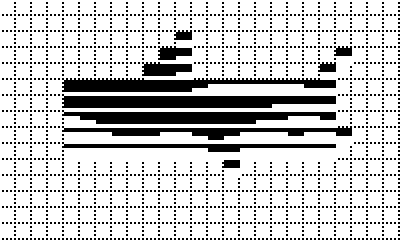
PXLSketch is perfect for that next sprite, icon, art piece, typeface, animation, floor plan, pattern or whatever your imagination throws at you!
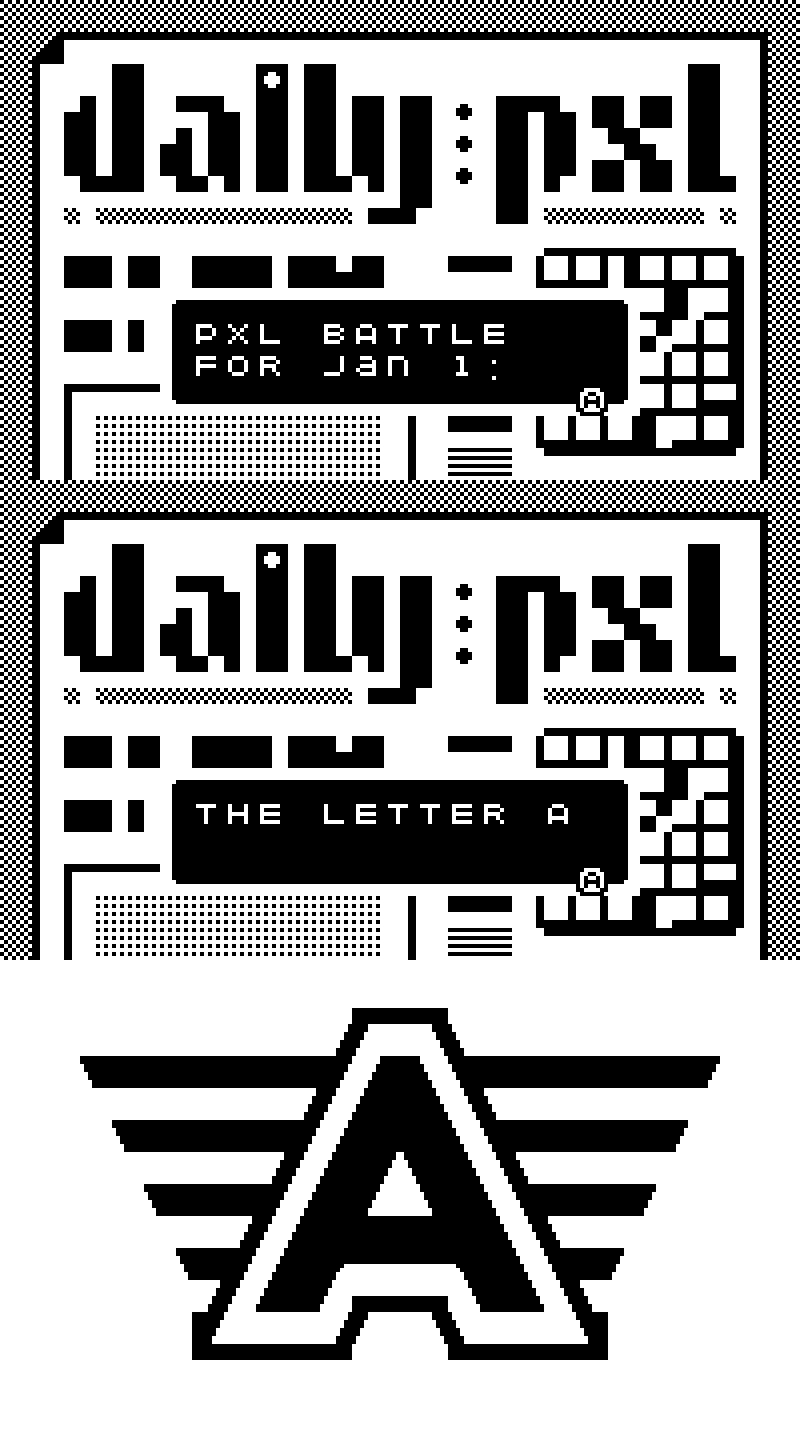
Get inspired with daily "PXL Battle" challenges — every day, a new prompt to tackle. Share your daily creations with #pxlsketch #pxlbattles and let your fellow PXLSketchers shower you with accolades.
PXLs
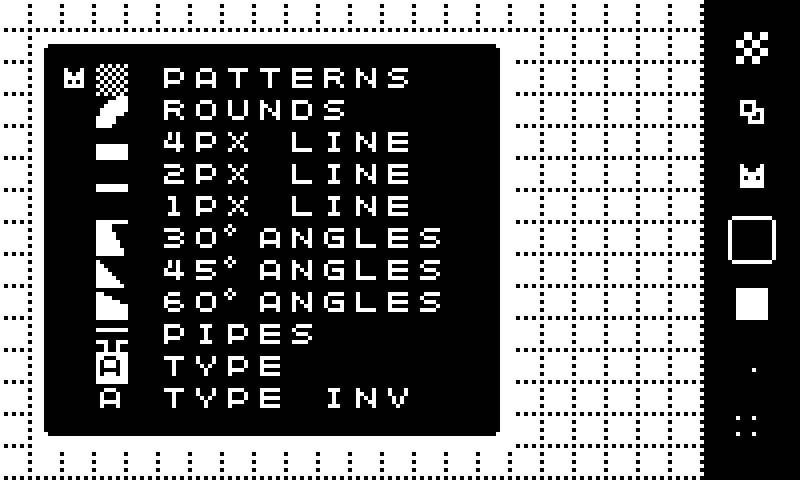
In v1.2, you have 375 PXLs across 11 categories to play with.
PATTERNS - Who says 1 bit has to be an obstacle? You have 13 different shades of from black to white, plus a few more thrown in for good measure.
ROUNDS - Various sized circle-segments to break beyond the rectilinear grid.
4 PX LINE - Great for thick line work and containers.
2 PX LINE - Great for thin line work and containers.
1 PX LINE - Great for REALLY thin line work and containers. *New in 1.2*
30º ANGLES - 30º angle bricks in black and white combinations, including inverse. *New in 1.2*
45º ANGLES - 45º angle bricks in black, white, and mid-gray combinations.
60º ANGLES - 60º angle bricks in black and white combinations, including inverse. *New in 1.2*
PIPES - Straight pipes, rounded corners, 3-way and 4-way intersections, in solid, hollow and inverse *New in 1.2*
TYPE 1 - Alphabet A-Z, Numerals 0-9, and some punctuation
TYPE 2 - Inverse Alphabet A-Z, Numerals 0-9, and some punctuation
CONTROLS
The controls have been optimized to allow you to keep creating with minimal interruptions from the UI. And the UI will get out of the way while you're drawing, leaving just you and the canvas.
D-Pad: Move reticle
A: Place PXL
B: PXL Carousel / Select PXL (each press rotates the carousel)
CRANK to Animate!
SHAKE to Erase!
SCREENSHOT to Share!
SAVE: Use the Save option in PXL Carousel > Frames
SO WHO MADE THIS?
All design and code by Jared Benson, San Francisco-based creative director and lifelong pixel artist (like, since Commodore 64.) Jared is the creator of PXLBOTS since 2005, with an iOS game in the works featuring 1 million generative levels.
Purchase
In order to download this app you must purchase it at or above the minimum price of $2 USD. You will get access to the following files:
Development log
- 100 New PXLs! PXLSketch 1.2 for PlaydateJan 07, 2024
- Introducing PXLSketch!Dec 08, 2023